Compress PDF
Drag & drop or browse · Your files are never uploaded
Choose lossless compression when you want to preserve digital text and document features. Quality presets and target-size compression render pages as images: text selection, search, interactive forms and links may be lost. A target is an attempt, not a guarantee. If the original already fits your limit, keep it; rasterizing a small text PDF can make it larger. Check the output before replacing the original.
Working copies can remain in this browser after closing a document. They are not a backup: browser cleanup or storage limits can remove them. Save important PDFs to your device.
How to
- Choose your PDF. Drag and drop or browse to open the PDF file you want to compress.
- Pick a quality. Choose lossless, a quality preset or a target size; read the effects before continuing.
- Download. Download, then open the file to check size, readability and the features you need.
Choose the right method
Choose lossless compression when you want to preserve digital text and document features. Quality presets and target-size compression render pages as images: text selection, search, interactive forms and links may be lost. A target is an attempt, not a guarantee. If the original already fits your limit, keep it; rasterizing a small text PDF can make it larger. Check the output before replacing the original.
Measured examples, not promises
Measured in Chromium using public or synthetic documents. File structure, image content and browser version affect the result. These tests check byte size and valid page count, not visual quality. Open both files to compare readability. Keep the original. (2026-09-05)
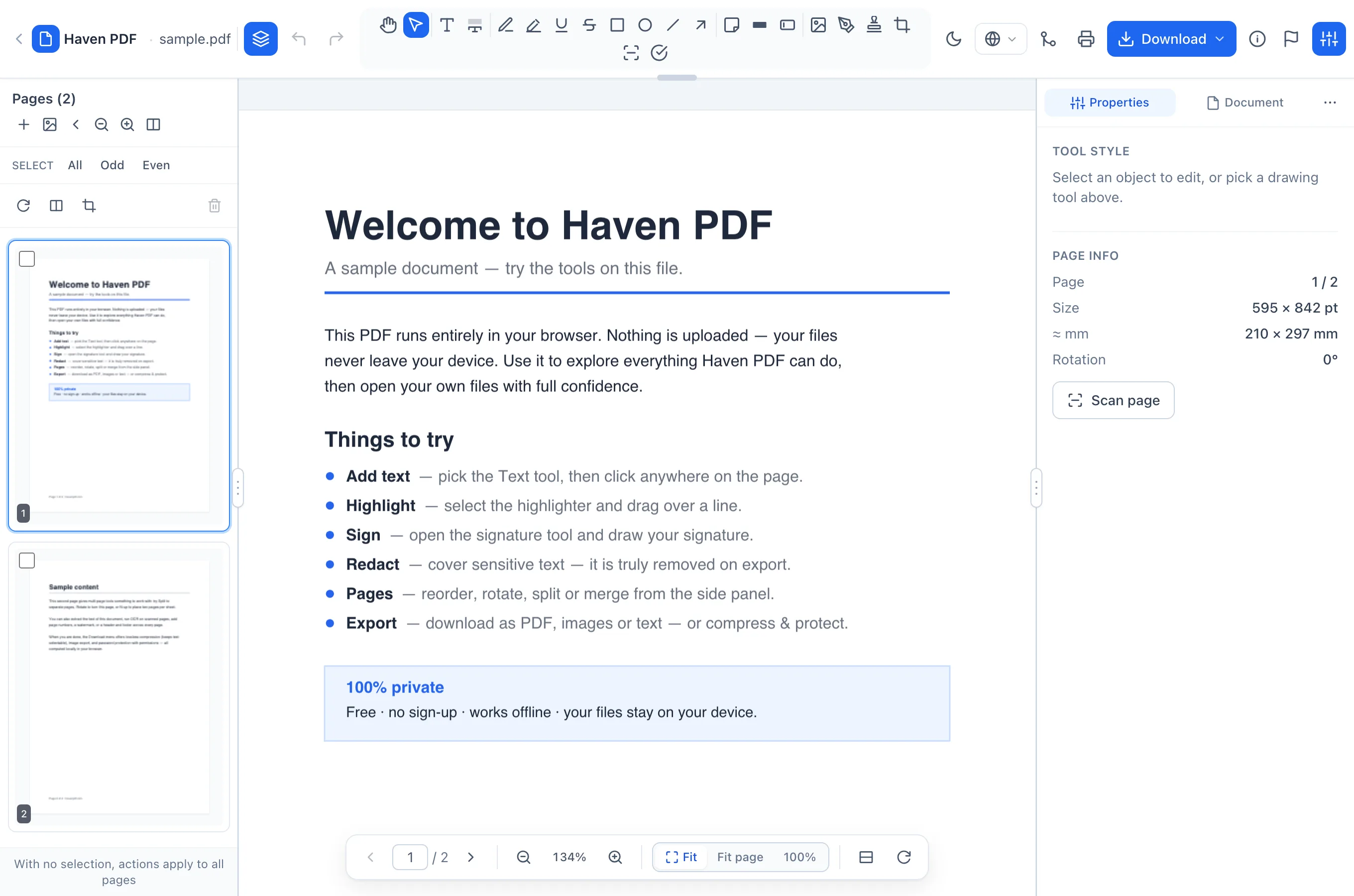
The existing Haven PDF editor
Local working copies
Working copies can remain in this browser after closing a document. They are not a backup: browser cleanup or storage limits can remove them. Save important PDFs to your device.
Frequently asked questions
- Choose the right method
- Choose lossless compression when you want to preserve digital text and document features. Quality presets and target-size compression render pages as images: text selection, search, interactive forms and links may be lost. A target is an attempt, not a guarantee. If the original already fits your limit, keep it; rasterizing a small text PDF can make it larger. Check the output before replacing the original.
- Local working copies
- Working copies can remain in this browser after closing a document. They are not a backup: browser cleanup or storage limits can remove them. Save important PDFs to your device.
- Site analytics
- Haven Analytics measures visits and actions using IP addresses, visited URLs, referrers and device information. Document contents are not sent to analytics. Site measurement is separate from local PDF processing.