Home › How Haven PDF Works
How Haven PDF Works
Haven PDF is fully client-side. When you open your PDF, the file loads into your browser’s memory — not onto a server.
1) Open
Drag and drop or browse for your PDF. The file opens only in your browser; it is never sent anywhere over the network.
2) Edit
Text, signatures, page layout, watermarks and more are applied on your device’s processor with pdf-lib/pdfjs.
3) Download
The result is saved straight to your device. Throughout the process your file never leaves your device.
See the editor
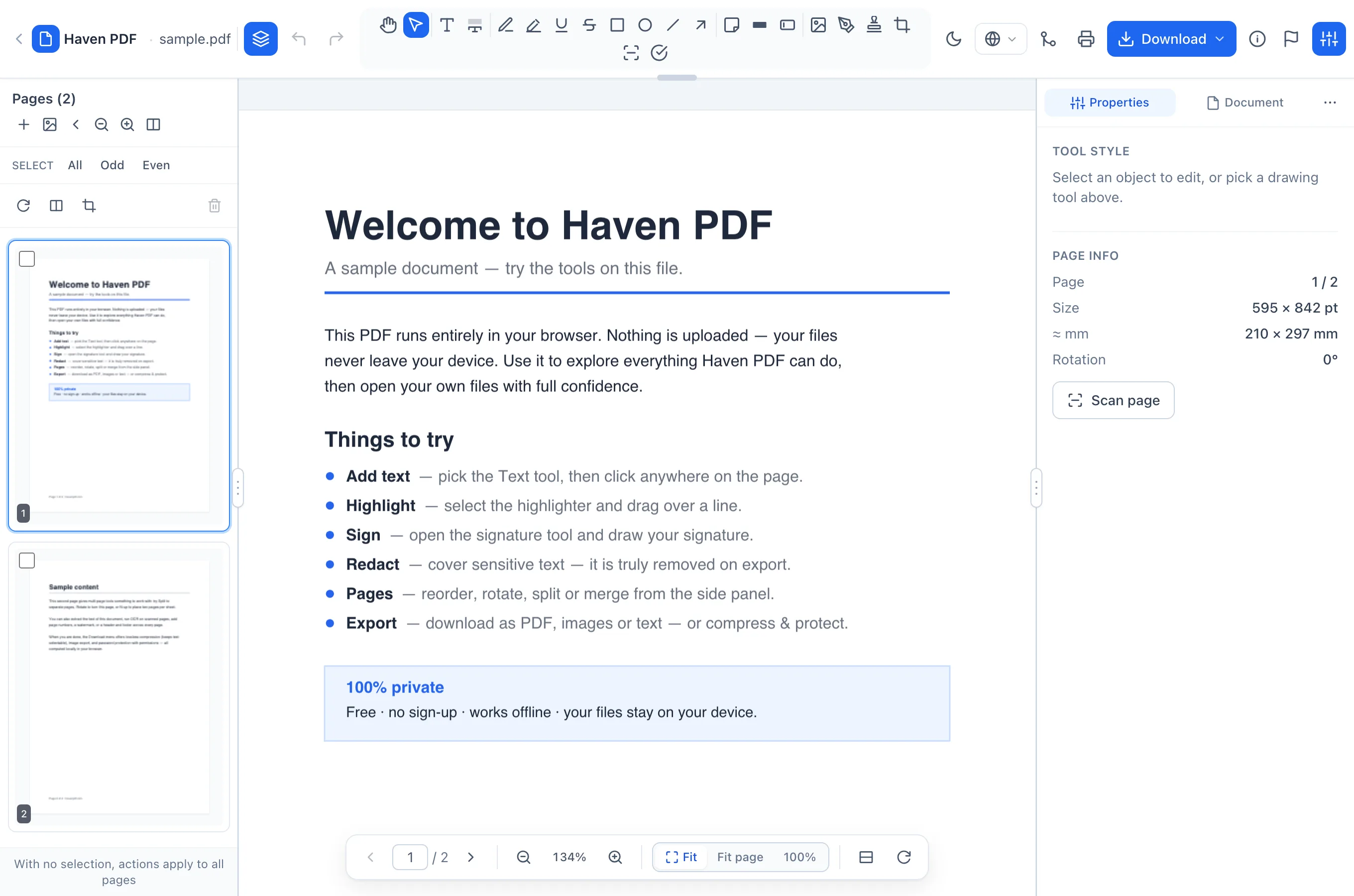
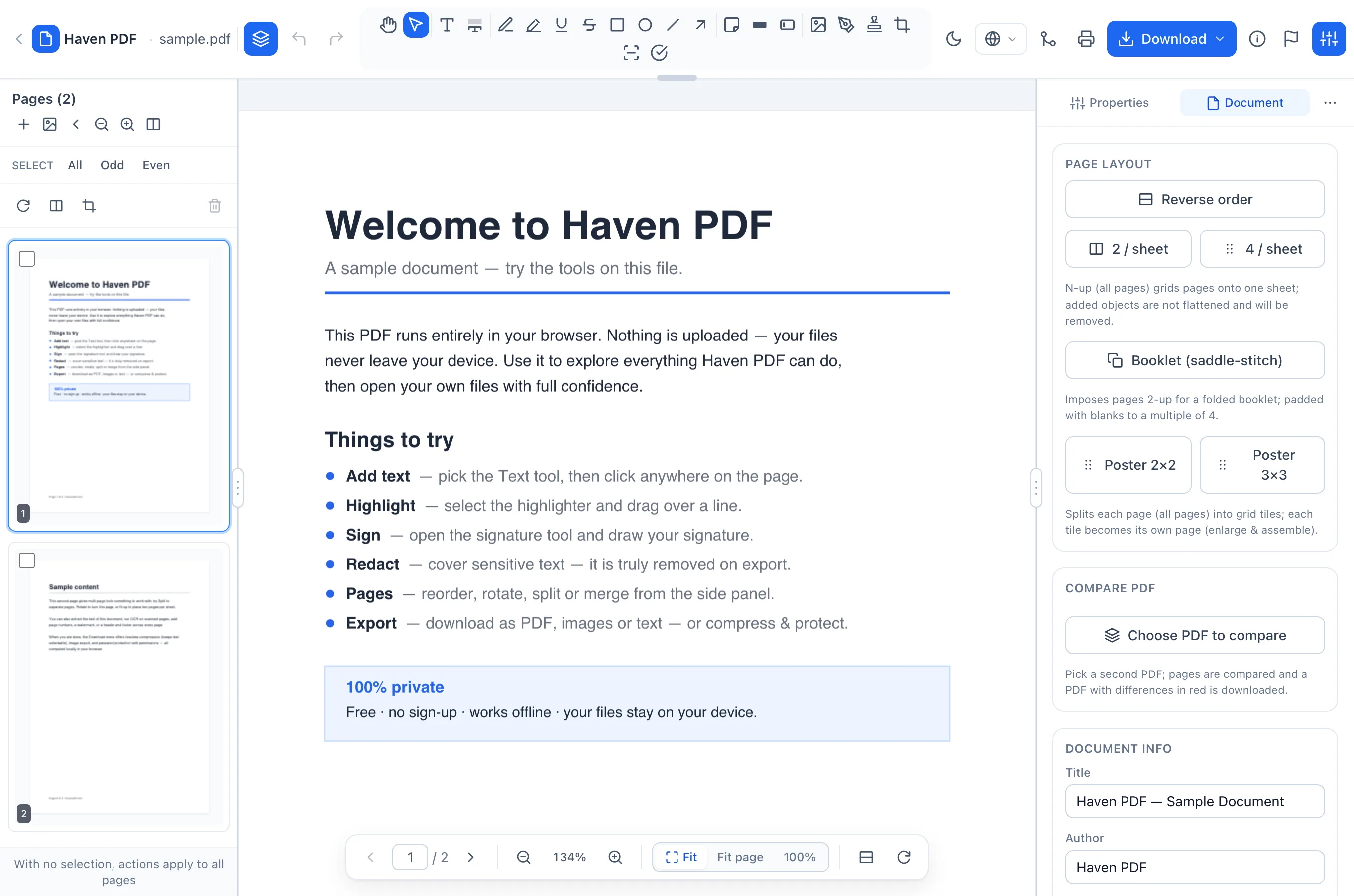
Real screenshots from the app — not mockups. The sample document, open in a browser.