Compress PDF to 200KB
Choose lossless compression when you want to preserve digital text and document features. Quality presets and target-size compression render pages as images: text selection, search, interactive forms and links may be lost. A target is an attempt, not a guarantee. If the original already fits your limit, keep it; rasterizing a small text PDF can make it larger. Check the output before replacing the original.
The target linked from this guide is carried into the editor. The smallest attempted output can still be above that target; check the warning, size and readability.
Drag & drop or browse · Your files are never uploaded
How to
- Open the Compress tool. Free, in your browser — nothing to install.
- Add the PDF. Drag and drop; the file never leaves your device.
- Set the target to 200 KB. Use “Compress to target size” and pick 200 KB; quality is adjusted in a limited number of attempts; reaching the target is not guaranteed.
- Download the result. Check the size and readability. If the target is missed, a warning accompanies the smallest attempted output; keep the original.
Choose the right method
Choose lossless compression when you want to preserve digital text and document features. Quality presets and target-size compression render pages as images: text selection, search, interactive forms and links may be lost. A target is an attempt, not a guarantee. If the original already fits your limit, keep it; rasterizing a small text PDF can make it larger. Check the output before replacing the original.
Measured examples, not promises
Measured in Chromium using public or synthetic documents. File structure, image content and browser version affect the result. These tests check byte size and valid page count, not visual quality. Open both files to compare readability. Keep the original. (2026-09-05)
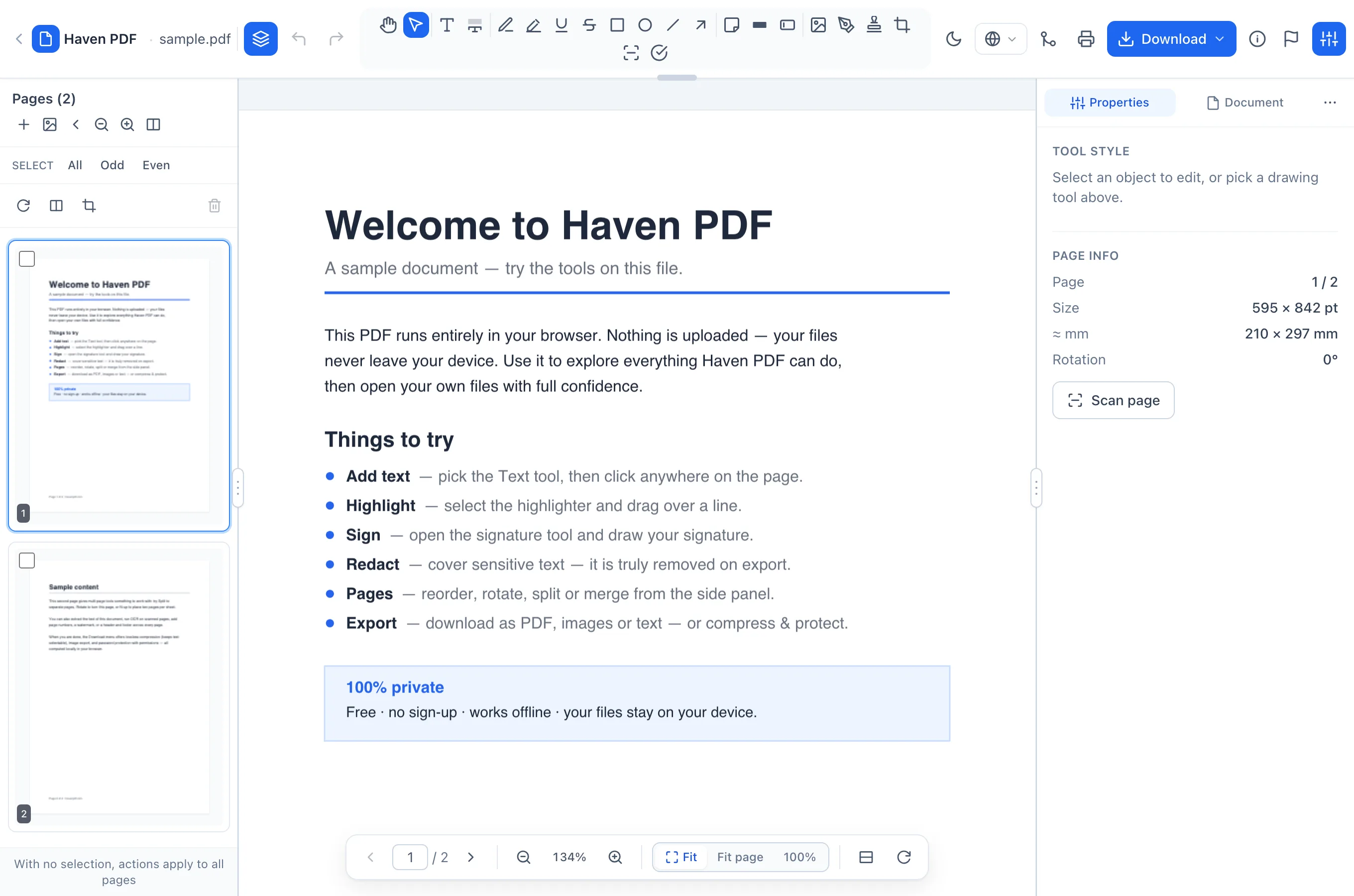
The existing Haven PDF editor
Local working copies
Working copies can remain in this browser after closing a document. They are not a backup: browser cleanup or storage limits can remove them. Save important PDFs to your device.
Frequently asked questions
- Can every document reach this target?
- No. Page count, images and the readability you need can make the target unattainable. Preserve the original.
- Does target compression preserve selectable text?
- Target compression rasterizes pages. Use lossless compression when preserving digital text, forms and links is more important than a tight byte limit.
- Where is my document stored?
- Working copies can remain in this browser after closing a document. They are not a backup: browser cleanup or storage limits can remove them. Save important PDFs to your device.